NoBox Desktop Installation
How to Install and Set Up NoBox Desktop
Installing NoBox Desktop can be done in a few easy steps. In this tutorial, you will learn how to install and configure NoBox Desktop.
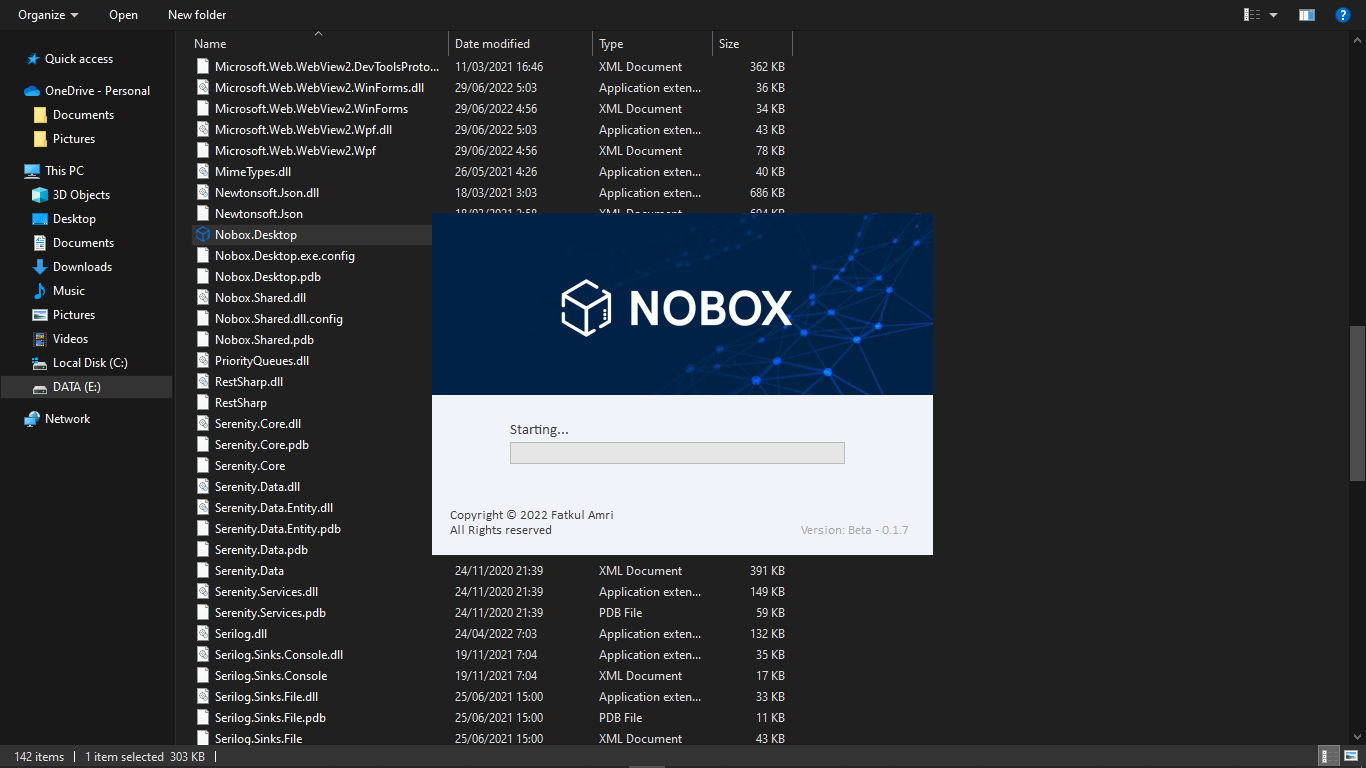
- Download the NoBox Desktop application from Google Drive NoBox Release.
- Once downloaded, extract the folder.
- Open the NoboxDesktop ➔ Bin ➔ find the NoBox Desktop application folder.
- Double-click to open the application.
Login NoBox Desktop
To open NoBox Desktop, you can log in using the account you created earlier on the website id.nobox.id.
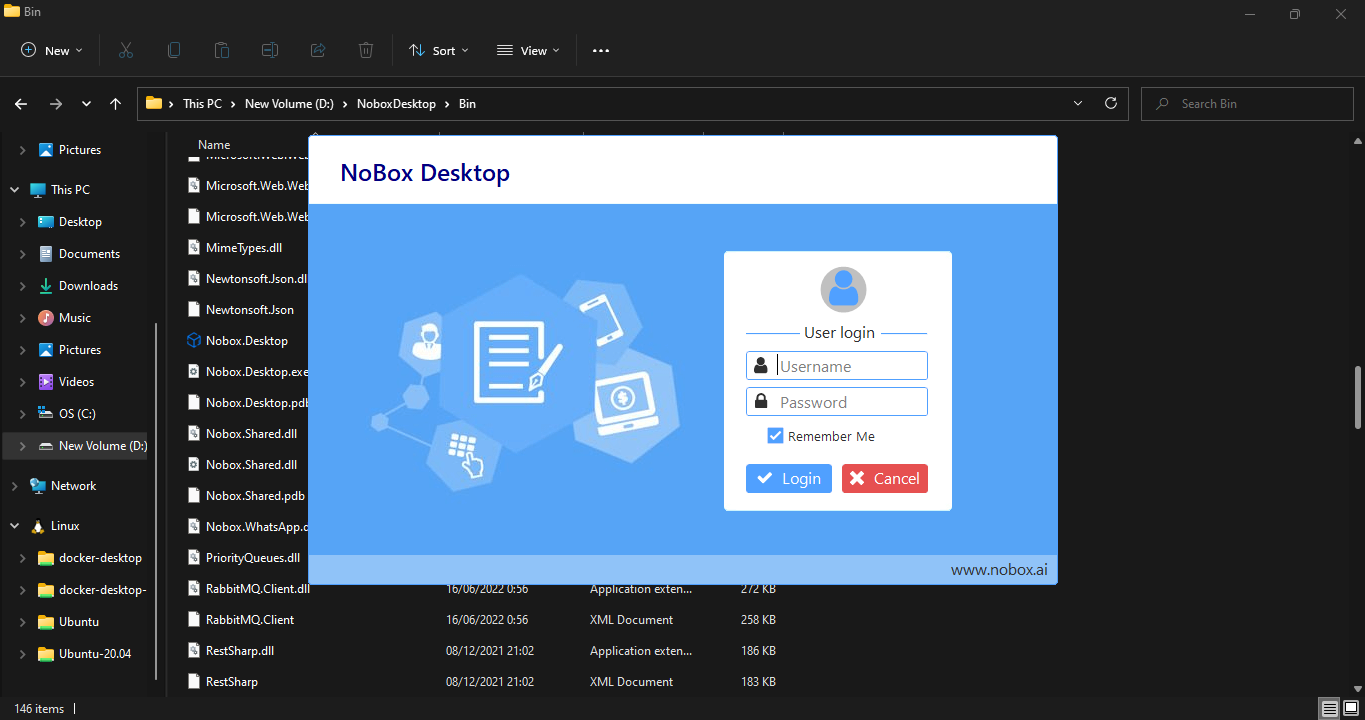
- Open NoBox Desktop Application
- Please enter your NoBox.Ai Web account Username and Password.
- If you don't have an account, please follow the guidelines provided in Register
- Click Login, and NoBox Desktop has successfully launched.
Note: NoBox Desktop should only be run on one computer.
Next steps: Create an automation and extractor account. Here's a guide to help you set up your account:
If you encounter any issues or difficulties with NoBox Desktop, please contact us through Support Ticket