Message Dashboard
All relevant information regarding the Order menu is provided concisely, including several informational graphs about agents.
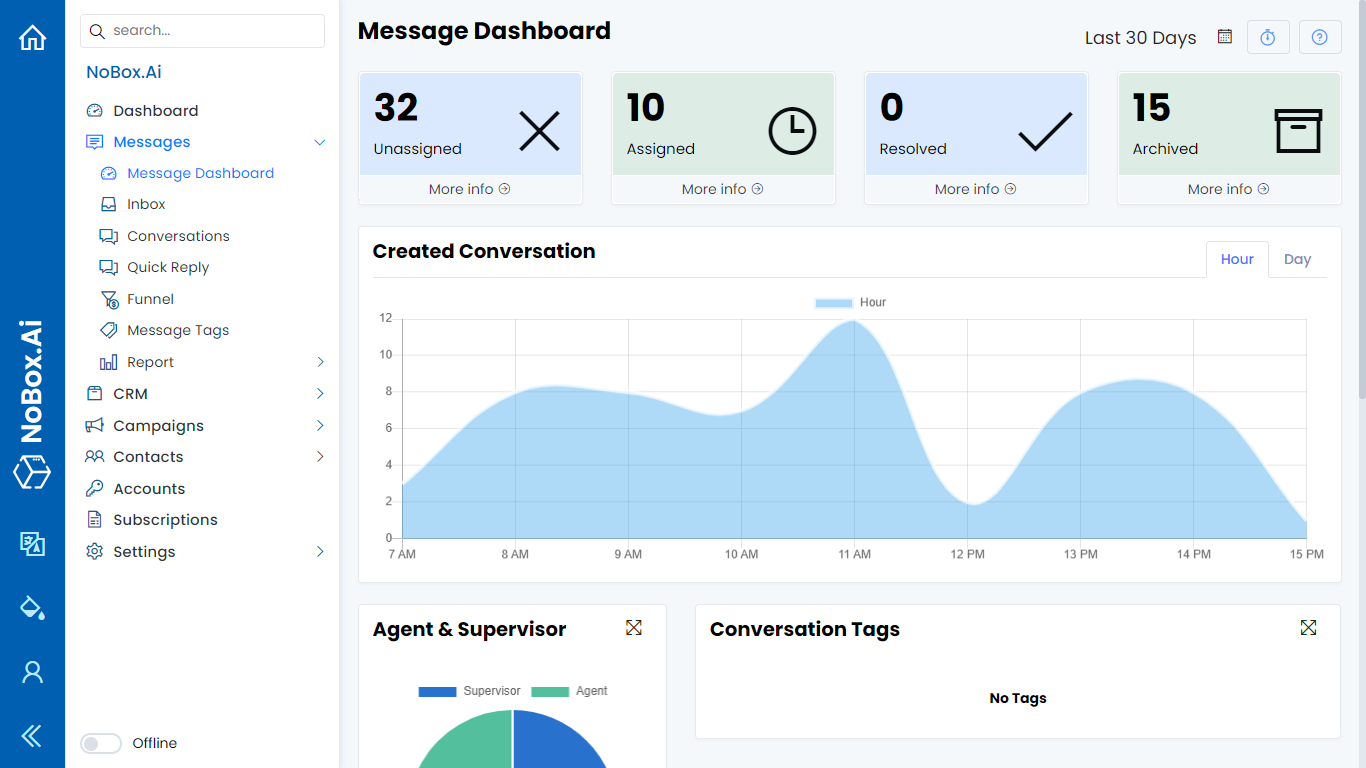
In this display, there are several sections, each with its own function. The explanation of these functions is as follows:
| Features/Buttons | Function |
|---|---|
| Unassigned | Total of all conversations not yet assigned to agents |
| Assigned | Total of all conversations assigned to agents. |
| Resolved | Sum of all conversations already answered, and the agent wants to end the conversation. |
| Archived | Total from all archived conversations |
| Created Conversation | Information on the graph of all received and sent conversations (per hour or per day) |
| Agent & Supervisor | Information on the company's total number of members. |
| Conversation Tags | Conversation graph information based on tags |
| Agent Online Status | Agent Graph Information Based on Online Status |
| Conversation Funnel | Conversation chart information based on the funnel. |
If you encounter any issues or difficulties with Nobox.Ai, please contact us via Support Ticket