Form Templates
The Form Templates is a feature on NoBox.Ai used to create form models.
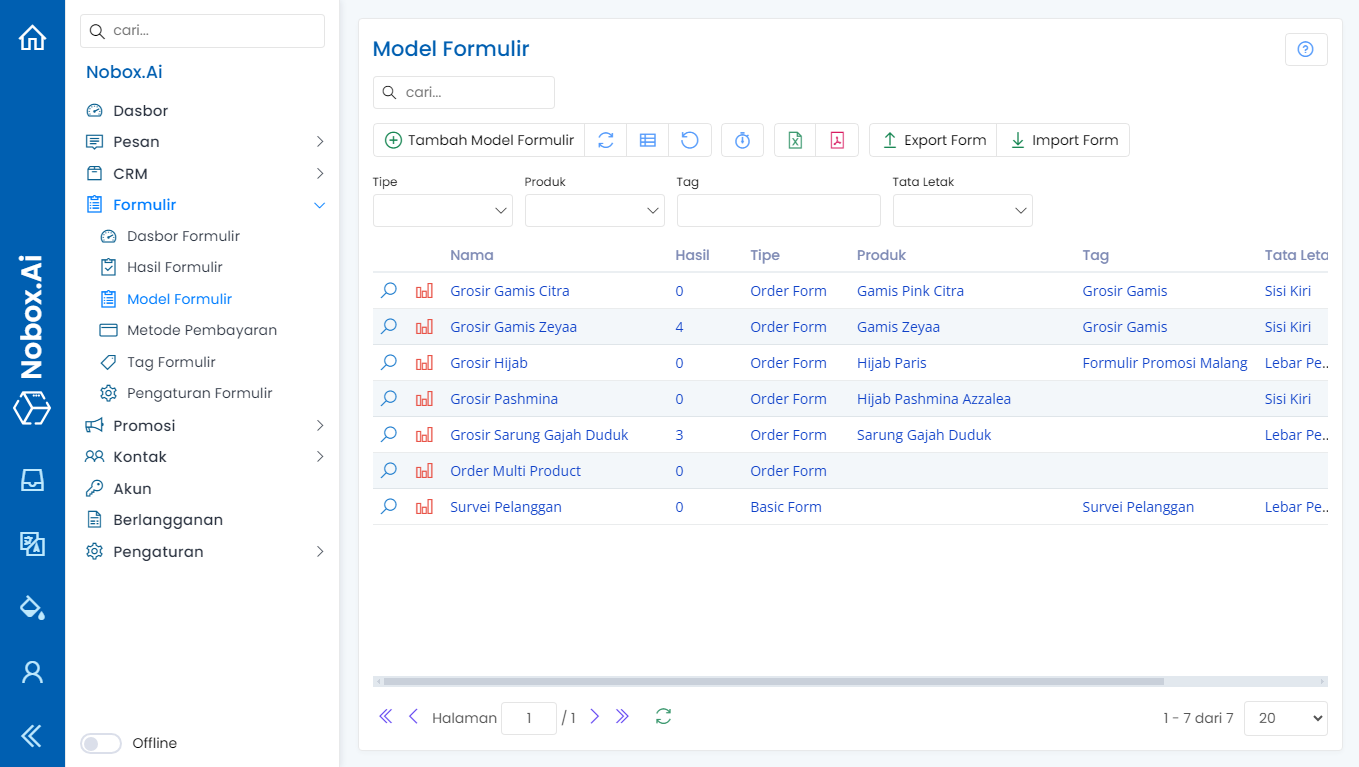
New Form Template
To create a form model, navigate to [Form Model] ➔ [New Form Model]. A dialog box titled [New Form Model] will display.
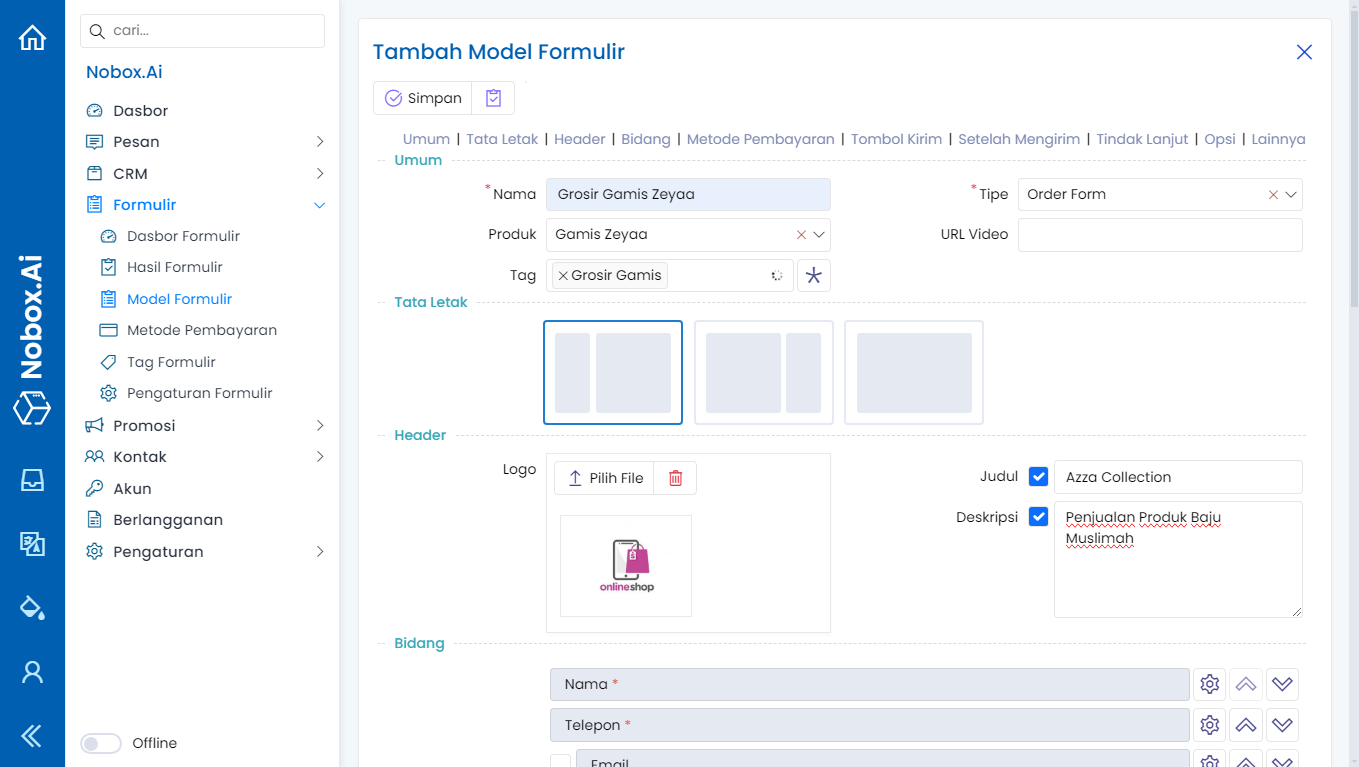
Complete the required fields, for example, as follows:
| Field | Description | Example |
|---|---|---|
| Name | Form model name | Grosir Gamis Zeyaa |
| Type | Order form type | Order Form |
| Product | Product to be sold | |
| Video URL | Video URL | - |
| Tag | Tag | Grosir Gamis |
| Layout | Form display | - |
| Logo | Choose logo | - |
| Title | Checklist and enter form title | Azza Collection |
| Description | Checklist and enter form description | - |
| Fields | Fields included in the form | Name, Phone, Email |
| Payment Method | Payment options checklist | COD, Bank Transfer, E-Payment |
| Submit Button | Choose submit button color | Blue |
| After Submission | Enter submit button text | Order Now |
| Action | Choose display option post submission | Redirect to Success Page |
| Follow-Up | Enter response to buyer | |
| Options | Message follow-up option |
Once you've completed the fields, click [Save] to save the newly created form model.
Edit and Delete Form Template
To edit a form model data, please first select the data you wish to edit. Make your changes and click [Save] to save those changes.
To delete a form model data, select the data you wish to delete, then click [Delete]. A confirmation dialog will appear asking if you want to delete the data. If yes, click [Yes], otherwise click [No].
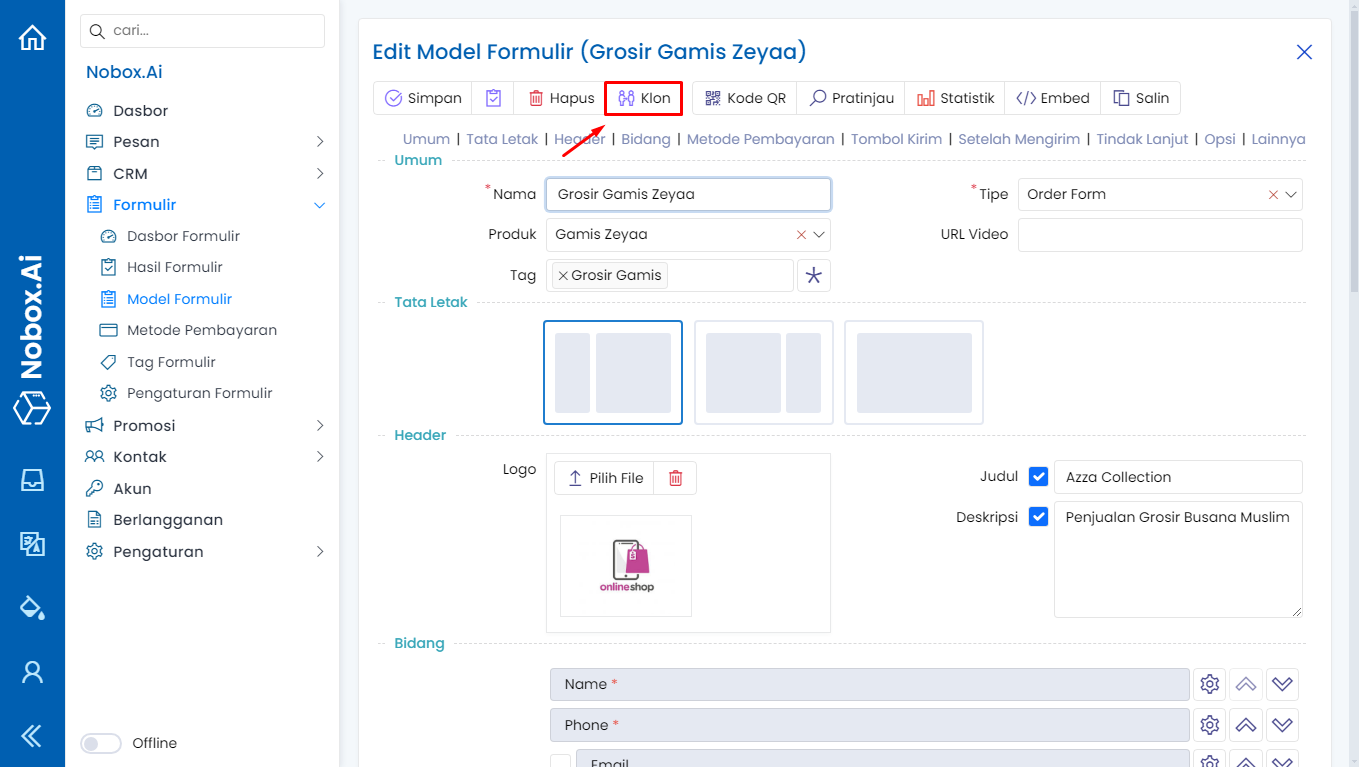
Clone
Clone is a feature used to copy the content of the selected model.
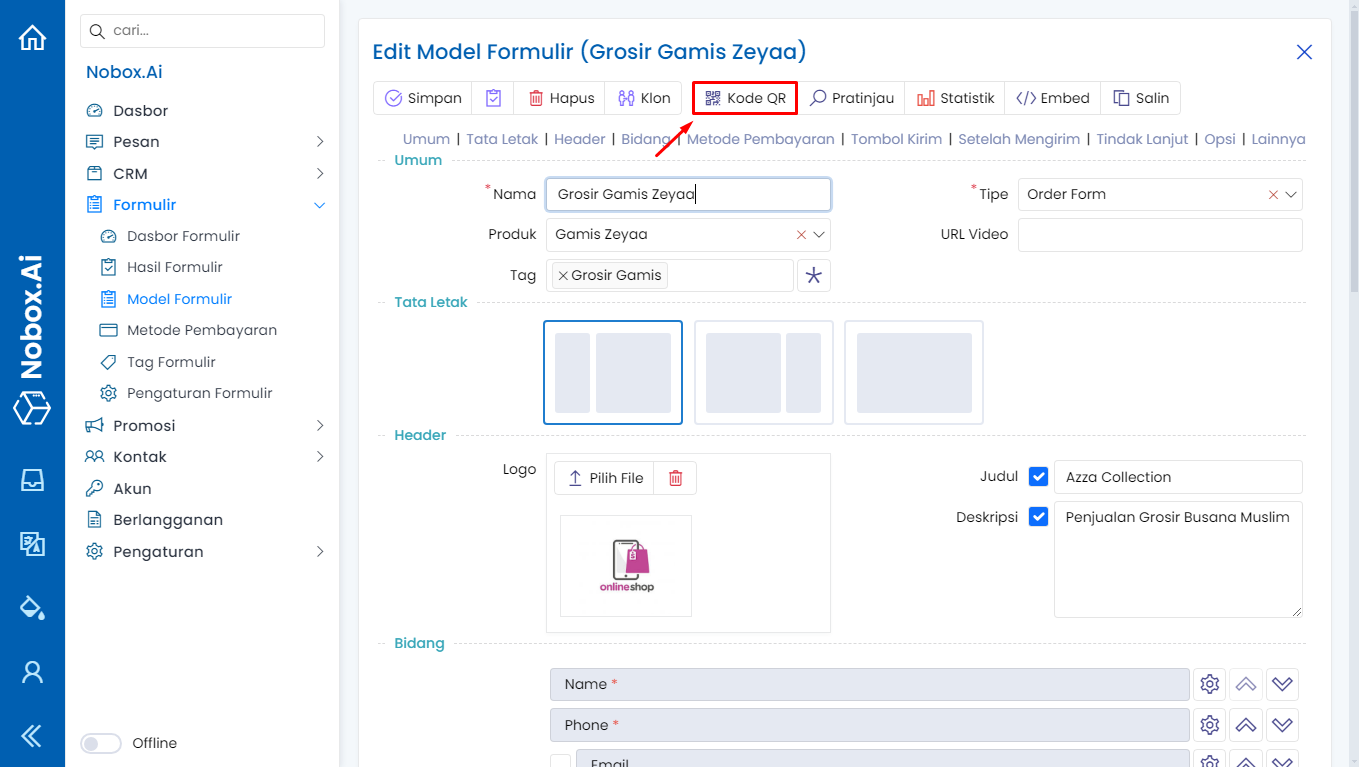
QR Code
The QR Code is a feature used to download the QR code of the form model.
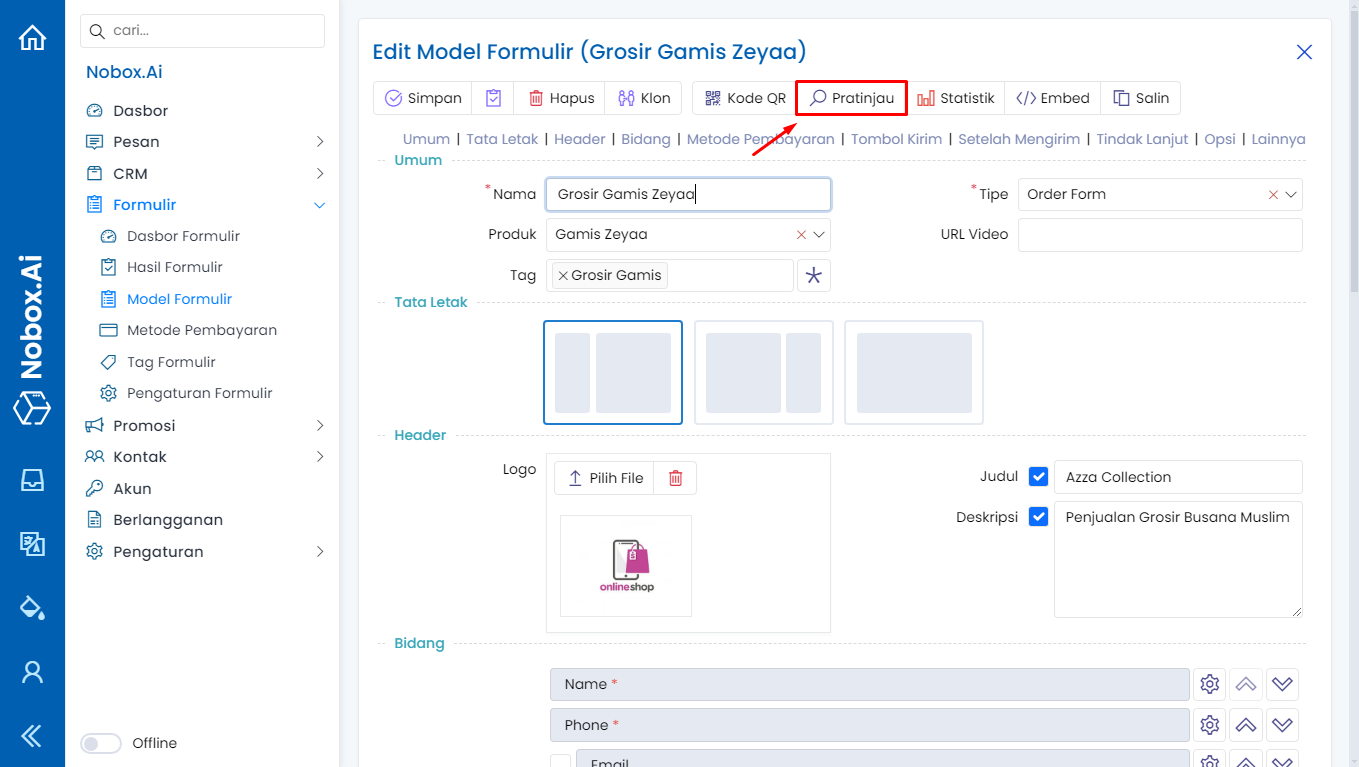
Preview
Preview is a feature used to display the results of a form model that has been created.
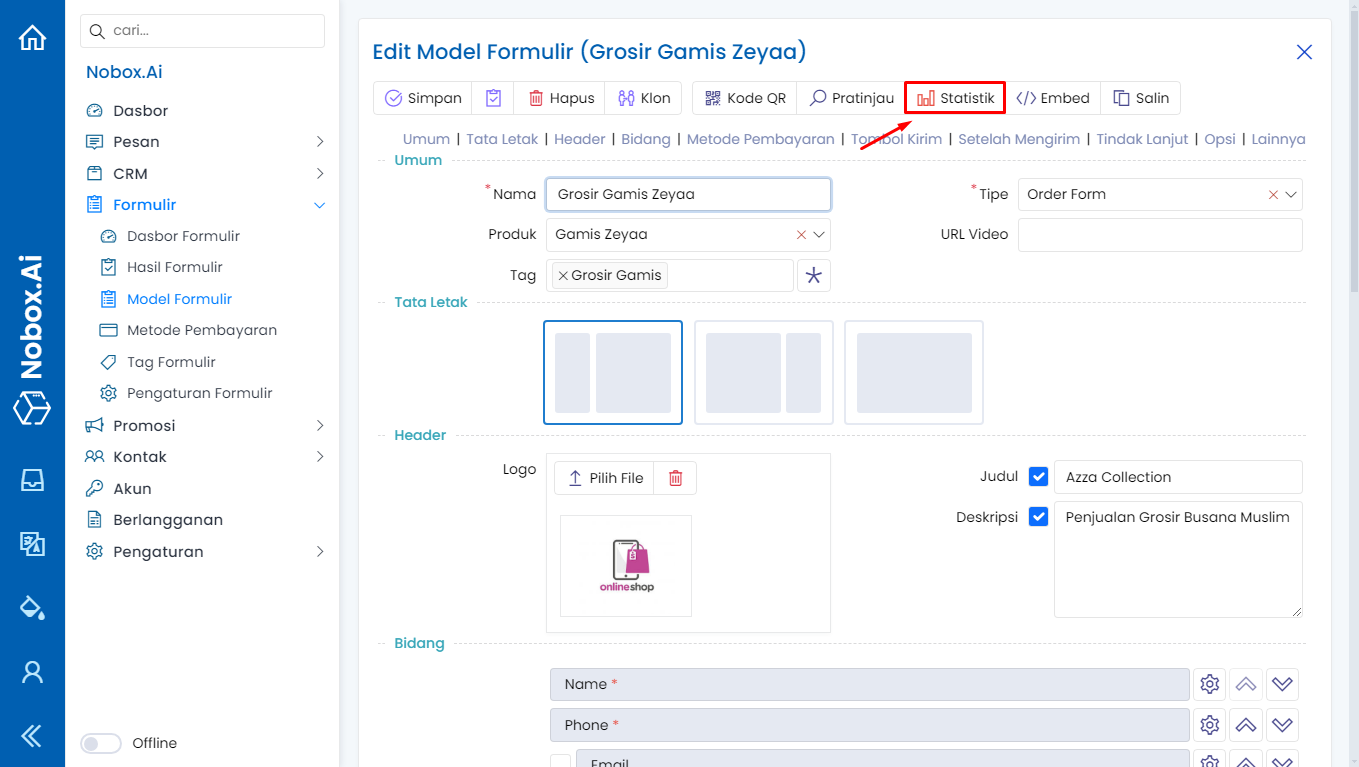
Statistics
Statistics is a feature used to display graphical information from the results of the form model. For more details, see Form Statistics
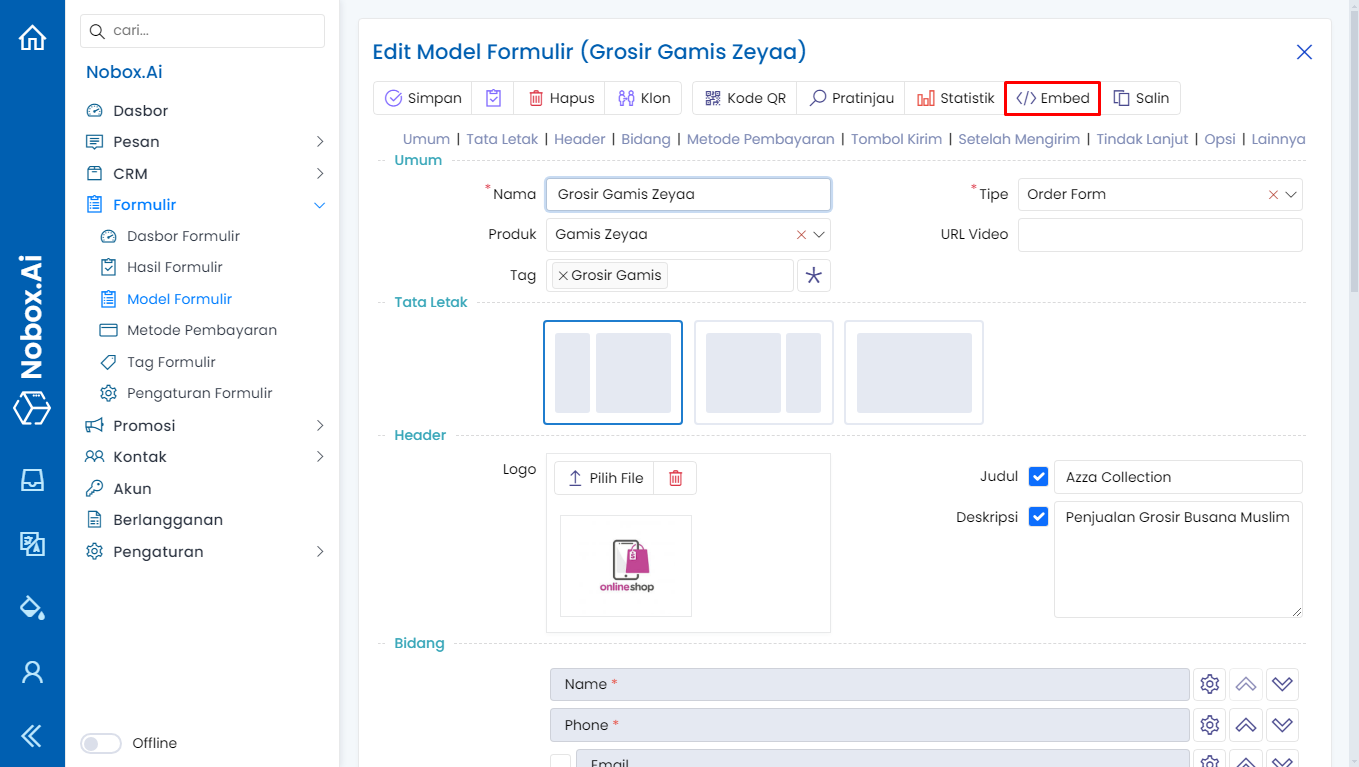
Embed
An embed is a feature used to copy the HTML code of the form so that you can insert it into a webpage.
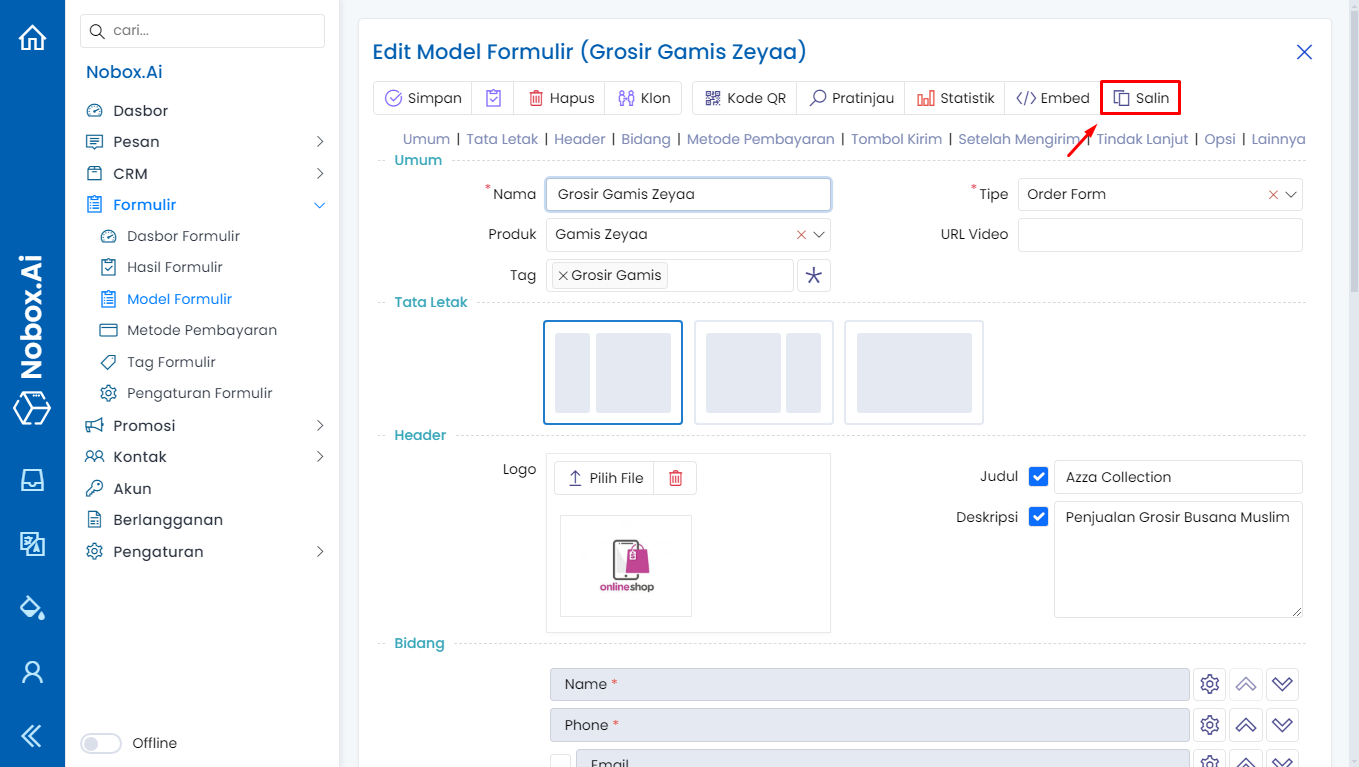
Copy
Copy is a feature used to duplicate the URL of the form model.
If you have any issues or difficulties related to Nobox.Ai, please contact us through Support Ticket